aws cloud watch Setting alarm for cpu usage
cloud watch --> Monitor performance of aws environment
Setting alarm for cpu usage
- go to cloud watch and in alarm create alarm
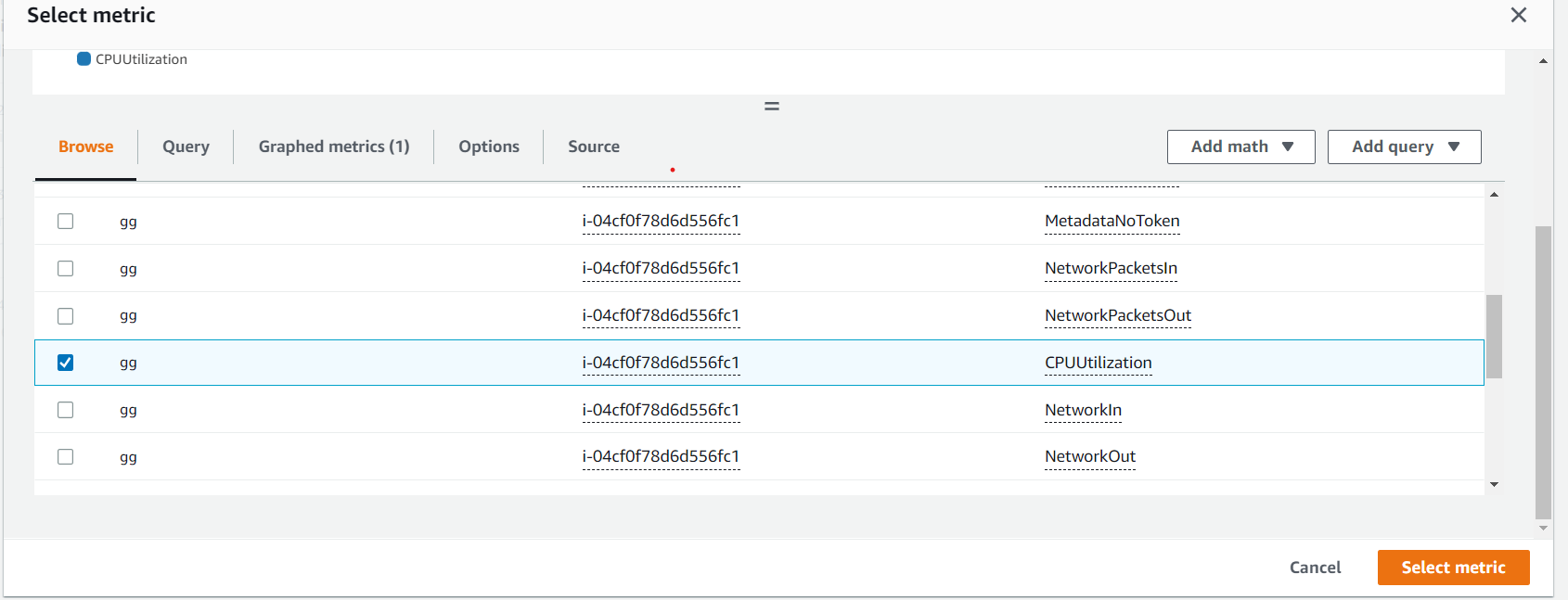
- now select metric of ec2 in Per-Instance Metrics select CPUUtilization
 3 . fill the Specify metric and conditions
4 . Create new topic and add your email
5 . Add name and description and create alarm